A habit tracker where you can customize everything
Almost everything the app shows you can be turned on or off
OpenHabitTracker is a free, open source habit tracker that also holds your notes and tasks. It runs on Windows, Linux, macOS, iOS, Android and in a browser, with no ads and no account.
Here is the same habit, in the same app, with the same data.
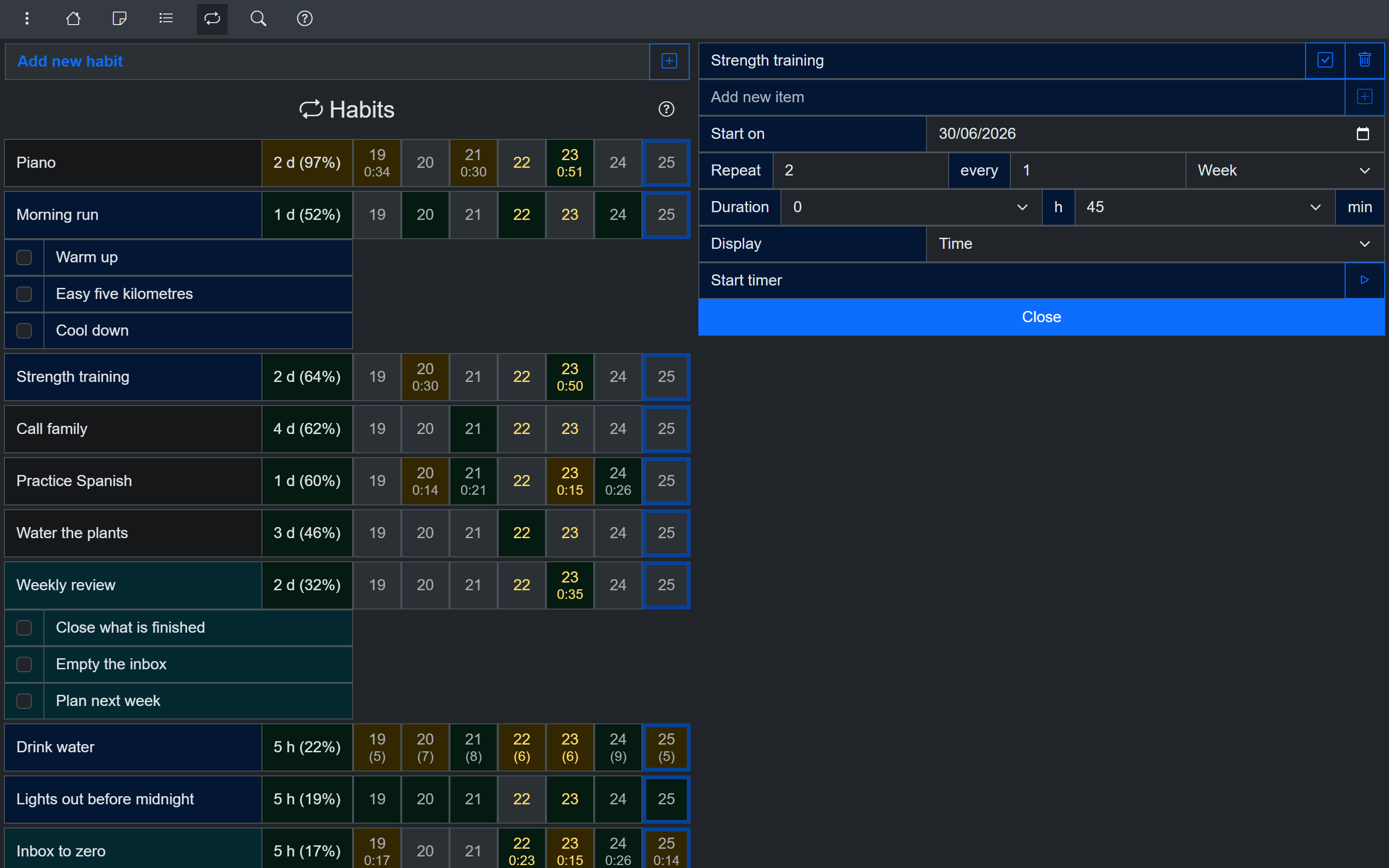
Everything optional turned off
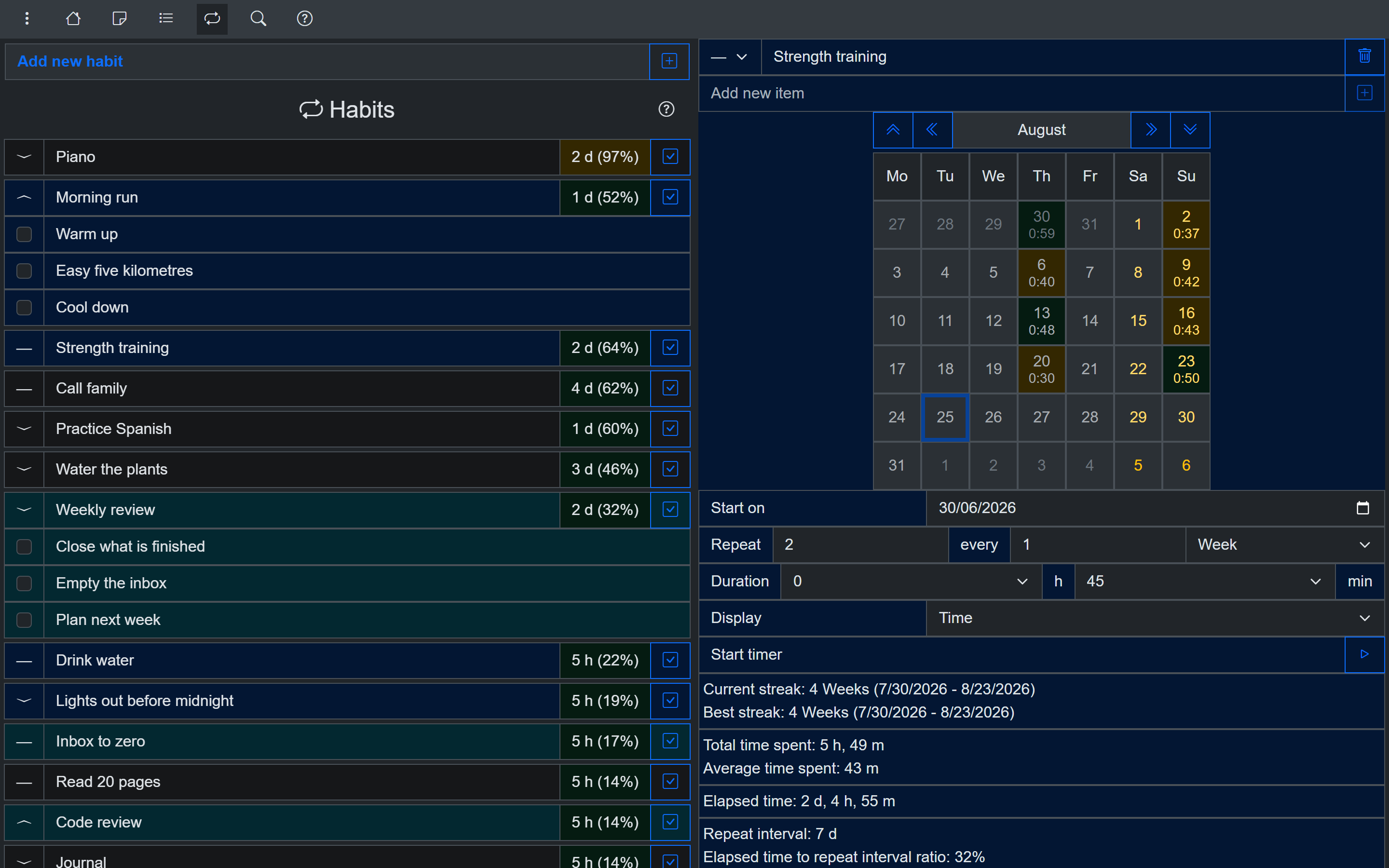
Everything optional turned on
The difference between them is six checkboxes.
Settings for notes, tasks and habits alike
Every note, task and habit has a priority, a category, a colour, and a created and updated date. Each of those can be shown or hidden, in the list and on the item's own page.
The app is translated into 20 languages. You can set which day the week starts on, and the calendars follow it. You can change the horizontal and vertical space between items, which is what to reach for when a long list feels tight.
Every page and sidebar carries a question mark button that walks you through that screen, and the walkthrough skips the steps for anything you have switched off. One setting hides all of them.
Notes
A note can render as Markdown or as plain text, and the rendered version appears in the list, so reading a note does not mean opening it.
Pressing Tab inside a note can insert a tab or move to the next field, whichever you prefer.
Tasks
A task has a planned date and time, a duration, a checklist and a timer. Completed tasks are hidden by default, and one setting brings them back.
The checklist can be shown or hidden in the list.
Habits
A habit row can carry a strip of recent days, which fits as many as the width allows or stops at a number you set. With the strip off, the row gets a mark as done button instead. The row can also show when the habit was last done.
On the habit's own page: the month calendar, and the statistics block with streaks, total and average time spent, elapsed time, the repeat interval and the interval ratios. Both are checkboxes, and the statistics are off until you turn them on.
Finishing a habit can untick its checklist for the next time round, or leave it as it is.
What opens at start
You can set which page the app opens on, and which sidebar opens with it.
Themes and dark mode
Dark and light mode, and 26 themes.
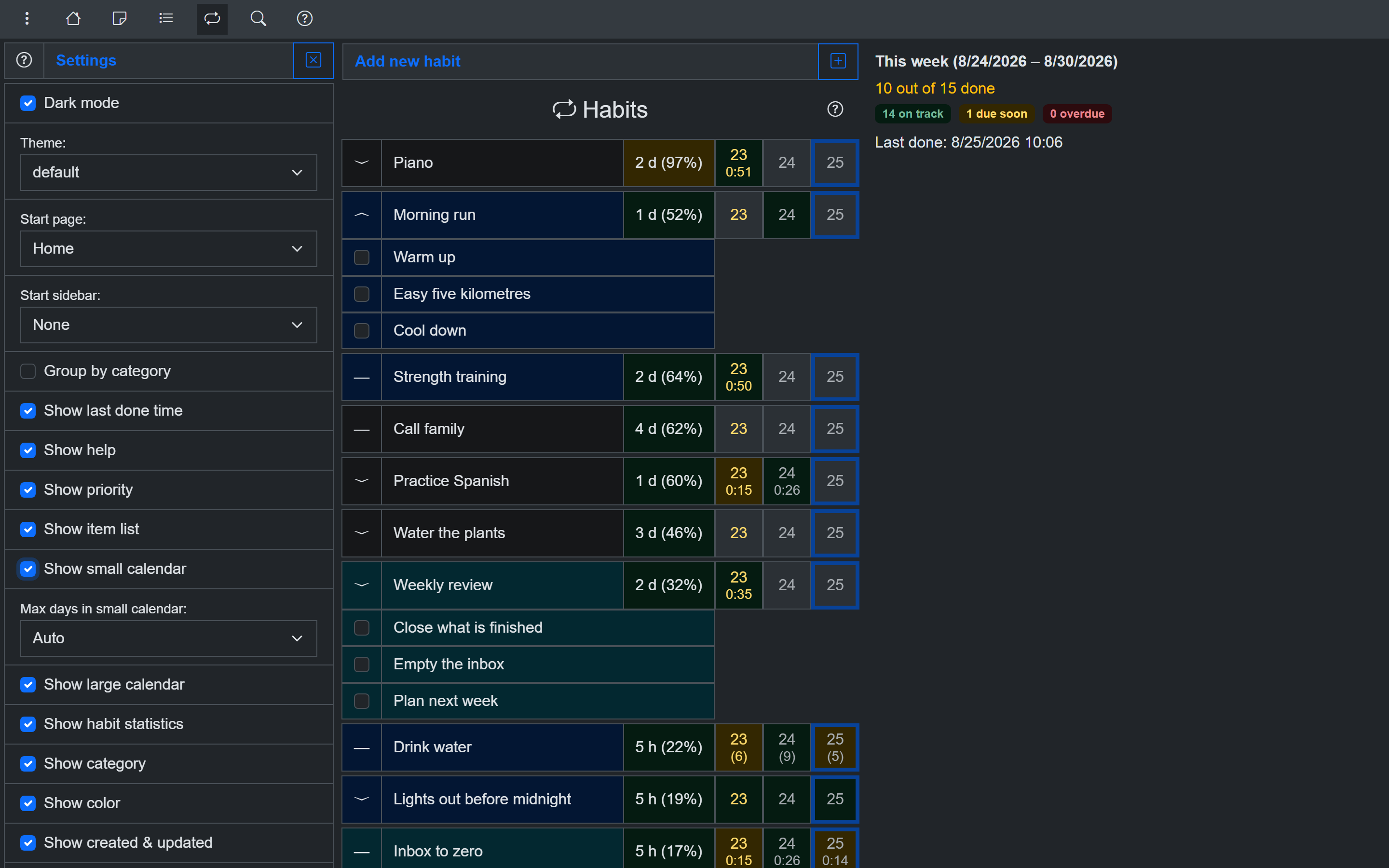
The default theme
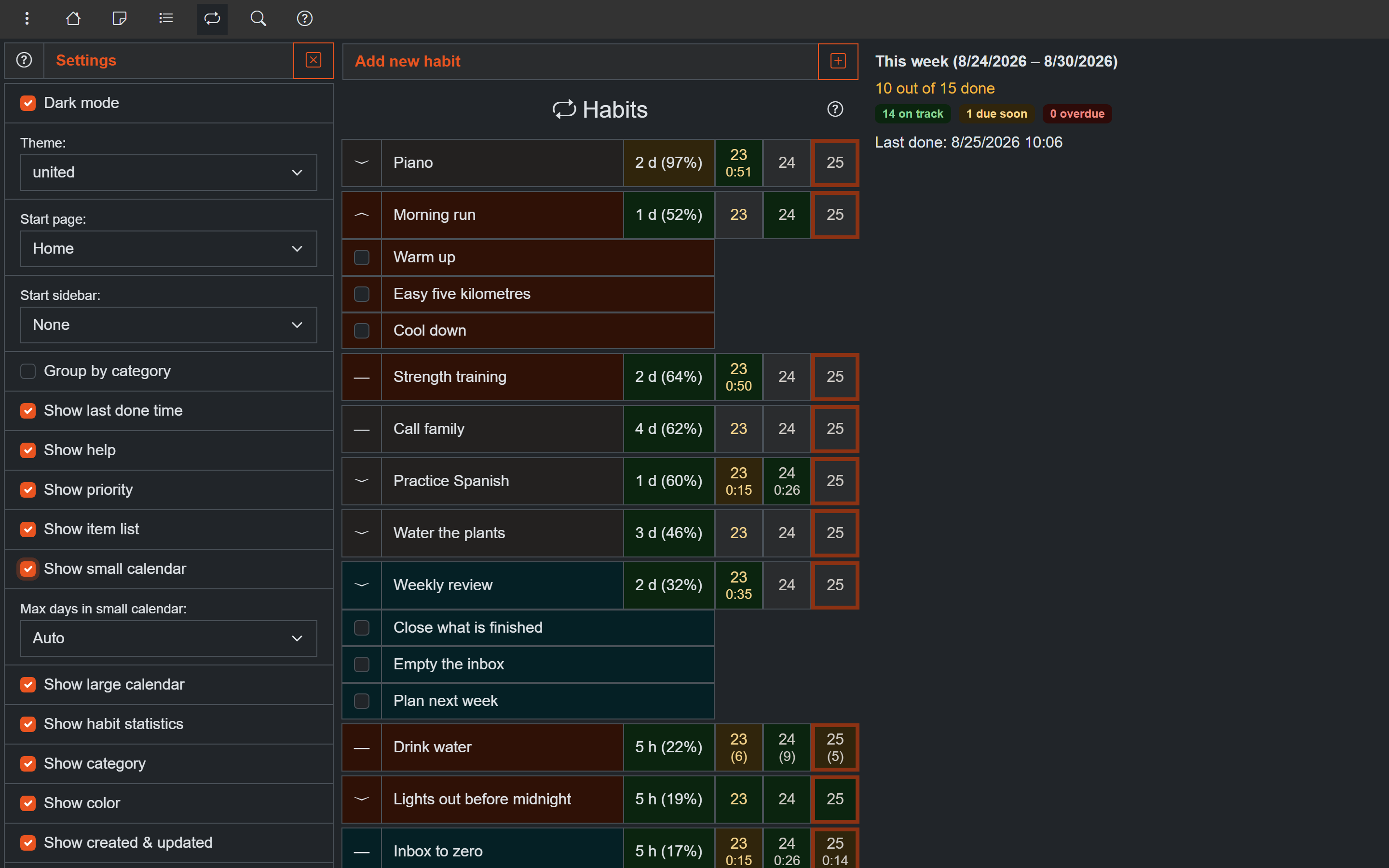
The same screen, one dropdown changed
Grouping by category
Categories group notes, tasks and habits, and grouped view adds a header for each one.
A category counts as complete when all of its habits are done, or when any one of them is. That is a button in the group header, coloured by how the group currently stands, and the weekly panel judges the group by it.
Collapsing a category collapses it in notes, tasks and habits at once.
How the filters are drawn
The category and priority filters render as check boxes, radio buttons or a drop-down list, chosen separately for each.
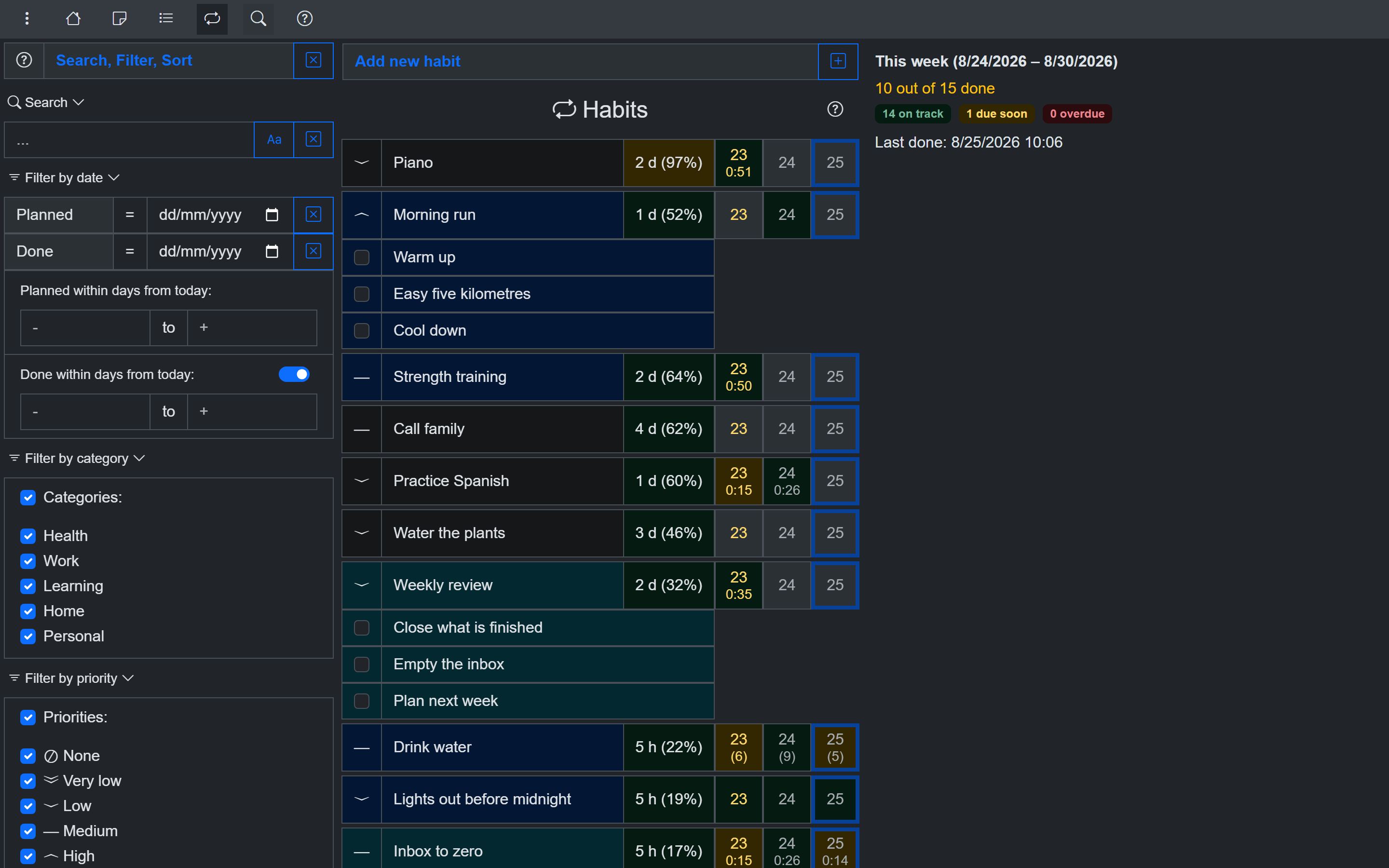
Filters as check boxes
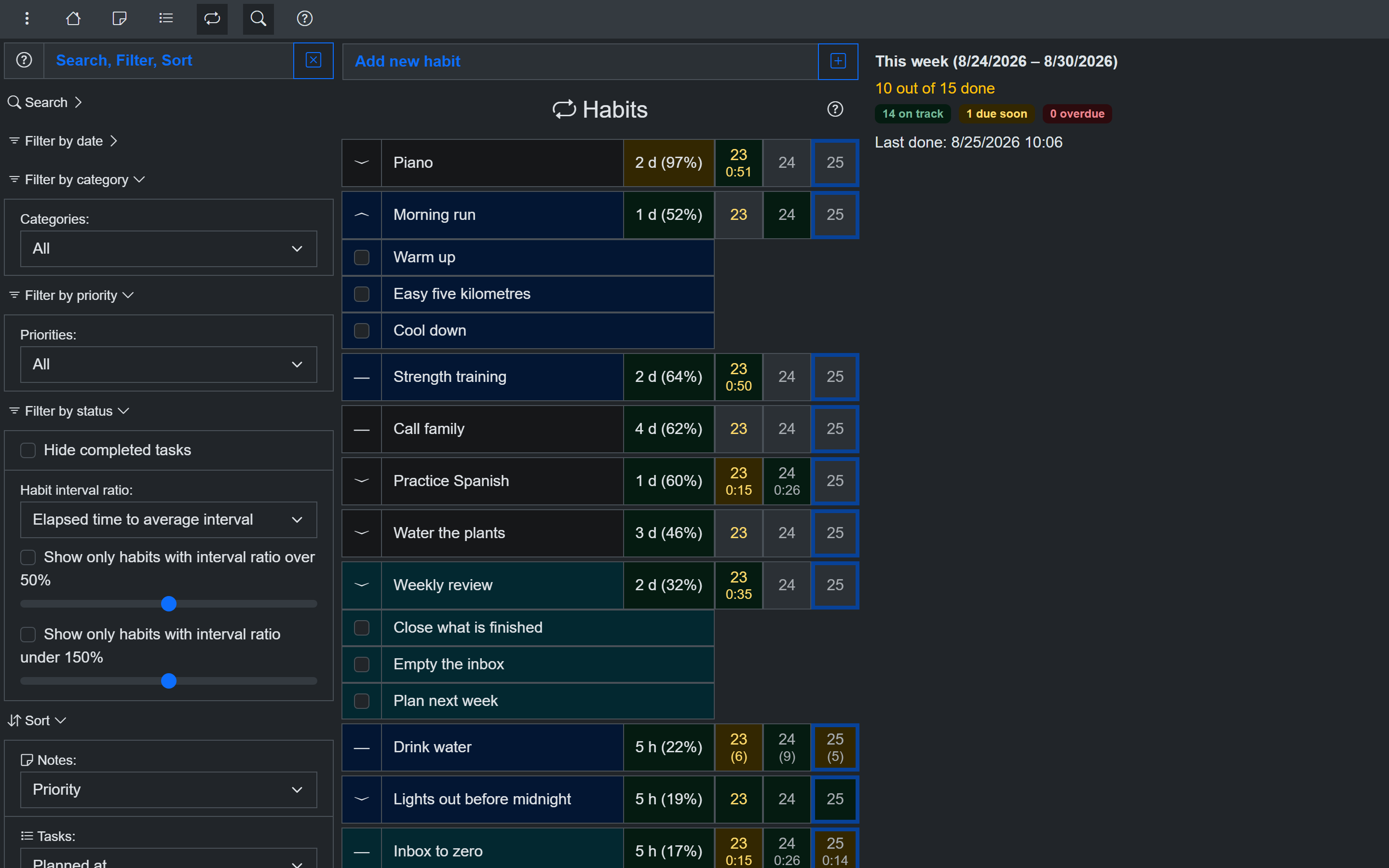
The same filters as drop-down lists
All on one page
The settings are on a single screen rather than nested in categories. They are saved, sync between your devices if you self-host, and are included in JSON and YAML backups.
Try it for free
Use OpenHabitTracker in your browser
No install needed - the PWA keeps all data on your device. Or get the native app:
Android - Google Play:
iOS - App Store:
Windows - Microsoft Store:
macOS - Mac App Store:
Linux - Flathub:
Linux - Snap Store:
Questions? The source is on GitHub and the community is on Reddit.